





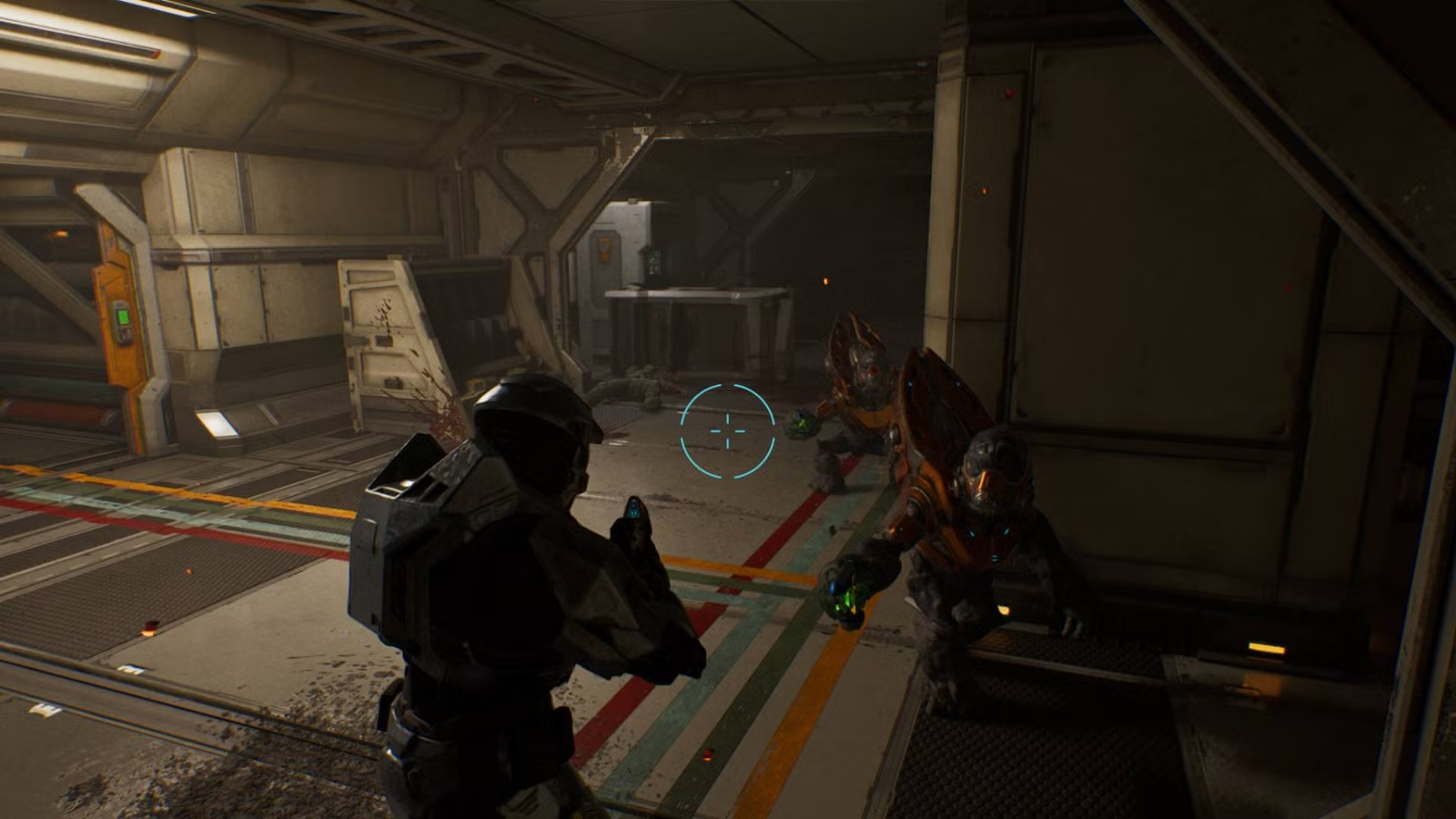
Third-person mode in Halo: Campaign Evolved was one of the features that was widely publicized ahead of the game’s launch, and it received its fair share of controversy. Of course, the original Halo: Combat Evolved was exclusively first-person, and it also didn’t give players the ability to sprint or aim down the sights with automatic weapons, both of which are also now in this remake.
However, no matter how hard you look, the option to enable third-person mode is not in the settings. Here’s a complete guide on how to use third-person mode in Halo: Campaign Evolved.
How to play Halo Campaign Evolved in third-person mode
To use third-person mode in Halo: Campaign Evolved, you need to find the Perspective skull. This remake features a grand total of 42 skulls, with three per level, alongside an extra three unlocked automatically once you find your first two skulls. And in Campaign Evolved, skulls are incredibly well hidden.

Thankfully, the Perspective skull can be found on the very first mission, ‘Pillar of Autumn.’ All you need to do is play through the opening section of the level until you reach Captain Keyes on the bridge. Once you resume control of Master Chief after the cutscene, turn around and re-enter the bridge.

Look behind Captain Keyes to find two marines at the helm of the ship. Beneath them is a pit with a ladder. Drop down here to find the Perspective skull.
Once collected, you can save and exit out of the mission to enable the skull and play through the rest of Halo: Campaign Evolved in third-person.